Court records in Google search results can hurt your personal or work reputation. The information may be old, misleading, or no longer relevant. Removing it from Google helps you take back control of your online image. In this guide, we’ll walk you through the best ways to remove or suppress court records in search results.
Why Are Court Records in Google Search?
Court records are public information. They are often published by:
- Government websites (e.g., county courts, state legal databases)
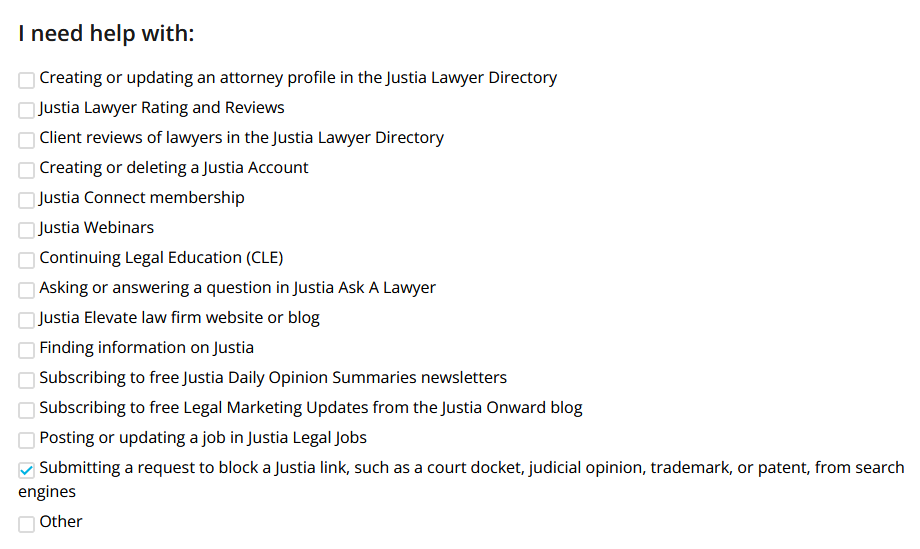
- Third-party court record databases (e.g., PACER, Justia, and state-specific case lookup sites)
- News websites (covering legal proceedings and public trials)
- Background check services (compiling publicly available legal records)
Since Google indexes these sources, your court records can show up when someone searches your name.
Steps to Remove Court Records from Google Search
1. Request Removal from the Original Source
Google does not own the court records. It just indexes them from other websites. To take them out of search, first ask the website that hosts them to remove them.
Steps to take:
- Identify the website publishing the record.
- Check their removal policy: some sites allow removal for outdated or expunged records.
- Contact the site owner or webmaster using their listed contact form or email.
- Provide legal documents (such as an expungement order) if applicable.
Note: Government websites may deny removal requests unless you qualify for expungement or record sealing.
2. Request Removal from Google (Limited Cases)
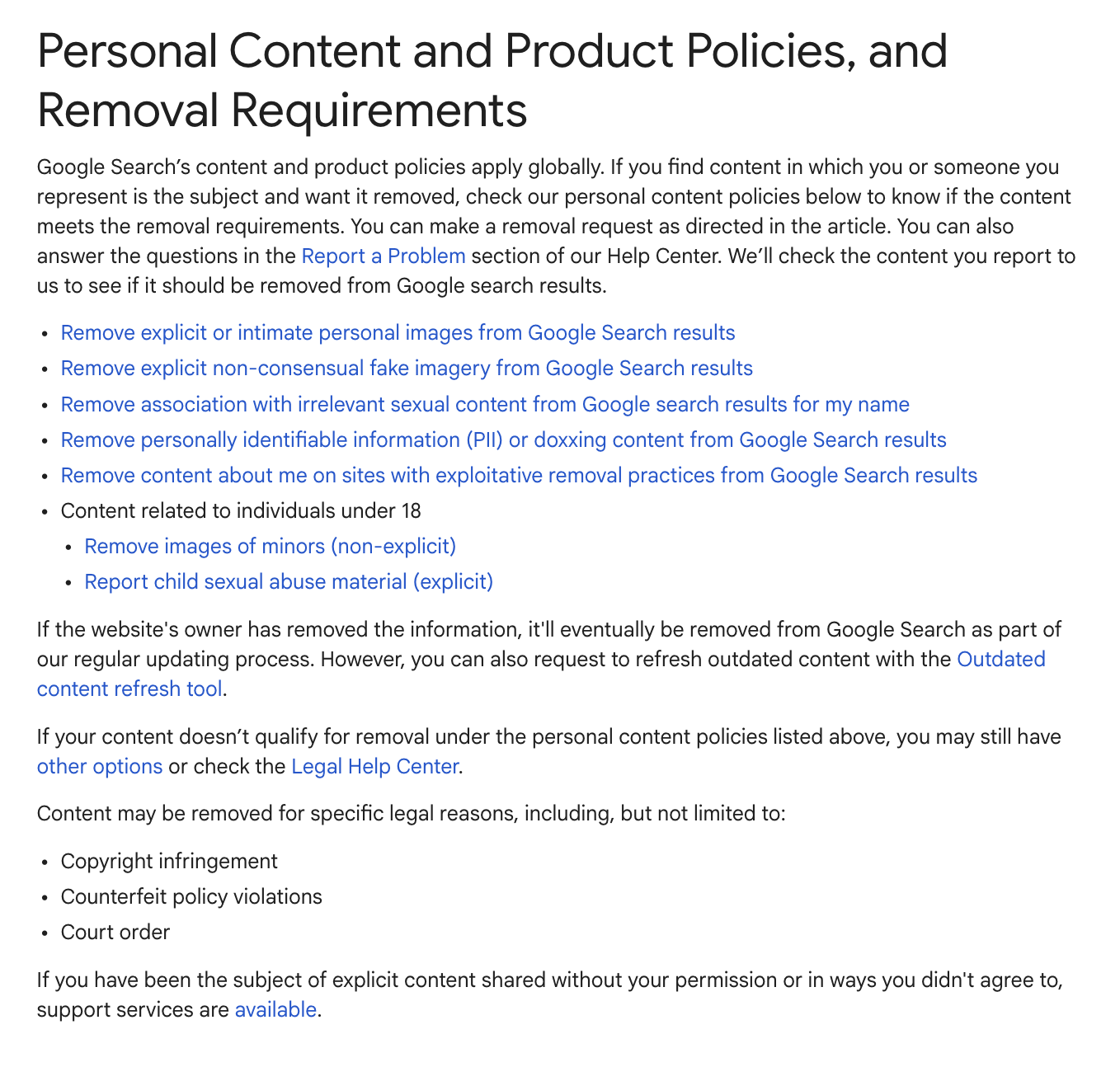
If a court record holds sensitive personal information, like your Social Security number, home address, or bank details, you can ask Google to remove it.
Steps to request Google removal:
- Visit Google’s Removal Request Tool: Google Content Removal Request
- Select the appropriate reason for removal (e.g., personal information, doxxing, non-consensual content).
- Submit proof (screenshots, URLs, and explanations).
- Wait for Google to review and respond to your request.
Limitations: Google will not remove public court records unless they hold sensitive or personally identifiable information that breaks its policies.
3. Expunge or Seal Your Court Records
If your case can be expunged or sealed, this is the best way to remove court records from Google search.
Steps to expunge or seal records:
- Check state-specific expungement laws (rules vary by state).
- Hire a criminal defense attorney or legal expert.
- File an expungement petition in the court where your case was handled.
- If granted, send copies of the expungement order to websites hosting your records.
Important: Even after expungement, some sites won’t update their records unless you ask.

4. Suppress Court Records with SEO Strategies
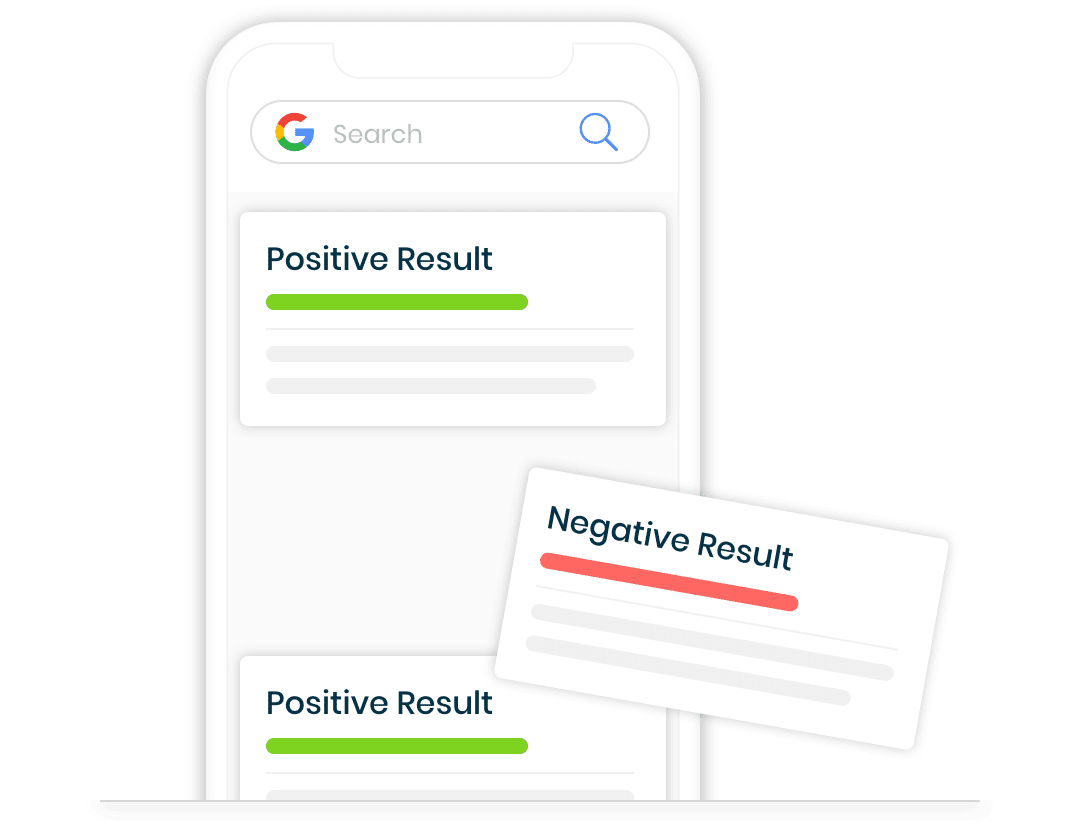
If removal isn’t possible, search suppression can push court records off the first page of Google. That makes them harder to find.
Best tactics to push down negative results:
- Create positive content (LinkedIn, personal website, blog articles).
- Use press releases to highlight professional achievements.
- Optimize social media profiles to appear at the top of search results.
- Get positive media coverage or publish guest articles.
- Use reputation management services to build high-ranking content.
With a good SEO plan, court records rank lower in search and get seen less.
Final Thoughts
Removing court records from Google search isn’t always easy, but it can be done with the right approach. You can ask websites to remove them, use Google’s removal tools, expunge records, or suppress negative content. Either way, you have options to take back control of your online reputation.
Need help? Top Shelf Reputation removes court records from Google and protects your online image. Contact us today to learn how we can clean up your search results and restore your reputation.
Last updated on July 26, 2026